
M3U IPTV player for Android and Android TV
M3U is the most common IPTV playlist format: a text file or link listing channels and their stream addresses. KINOZONA IPTV Player reads M3U and M3U8 playlists and presents them as a TV interface.

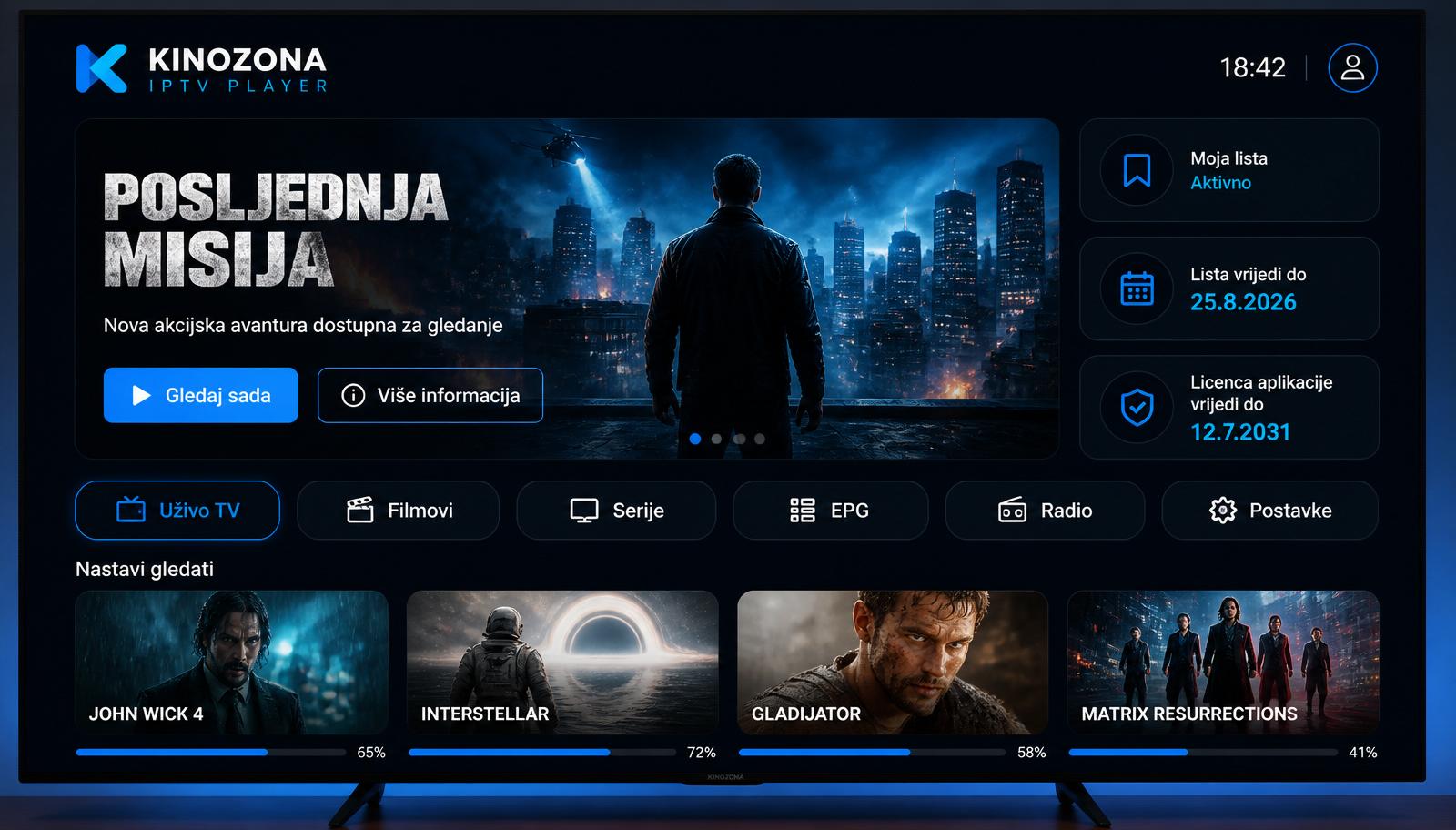
How to add an M3U playlist
It takes about a minute:
- Open the app and note the MAC and PIN
- On the Add playlist page choose M3U
- Paste your M3U link and save
- Reload the playlist in the app
Categories and logos
Groups in the M3U file (group-title) become categories, and channel logos (tvg-logo) appear next to the name when the playlist includes them.
TV guide with M3U
If your provider offers an XMLTV EPG link, or it is set in the playlist header (url-tvg), the app shows the programme schedule next to each channel.
Frequently asked questions
What is the difference between M3U and M3U8?
M3U8 is an M3U file encoded in UTF-8. The app supports both.
Can I load an M3U file from my computer?
Playlists are added as a link. If you only have a file, your provider can usually give you a link as well.
Why won't my playlist load?
The most common causes are an expired subscription with your provider or an incorrectly copied link. Check the link in a browser.
KINOZONA IPTV Player plays only content that the user adds. It does not include or sell TV channels, movies, series, playlists or IPTV subscriptions.